Integration guide
OpenCode
OpenCode is an open-source AI coding assistant. CrossModel is listed on models.dev, so you can connect to it directly in OpenCode without configuring a custom provider or maintaining a model list in opencode.json.
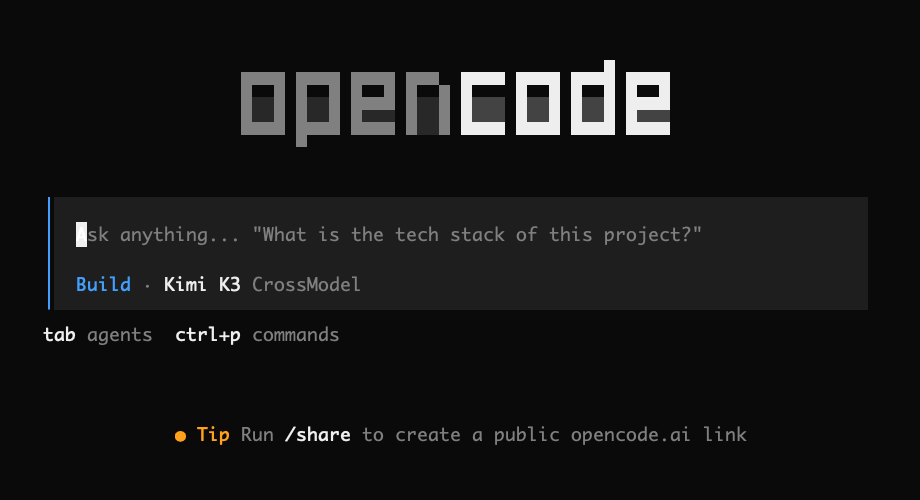
Quickstart
1. Install OpenCode
curl -fsSL https://opencode.ai/install | bashOr install it with npm:
npm install -g opencode-ai2. Create an API key
Sign in to the CrossModel Console and create an API key that starts with cm-.
The key is shown only once, so copy it and keep it somewhere safe.
3. Connect CrossModel
Launch OpenCode from your project directory:
cd /path/to/your/project
opencode
Enter /connect in OpenCode, then search for and select CrossModel.
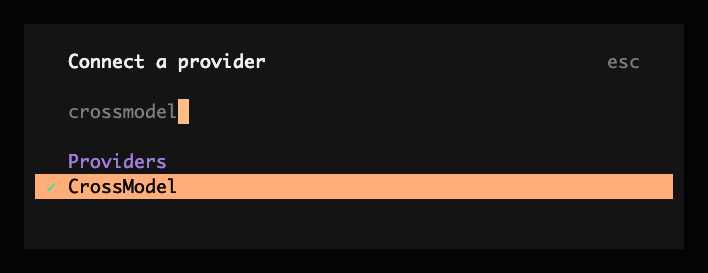
Paste the cm- API key you created and press Enter to save it.
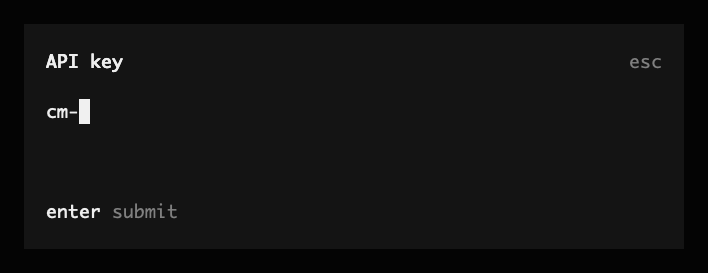
OpenCode stores the credential locally. You do not need to configure the CrossModel API endpoint manually.
4. Choose a model
Enter /models in OpenCode, find CrossModel, and select the model you want to use.
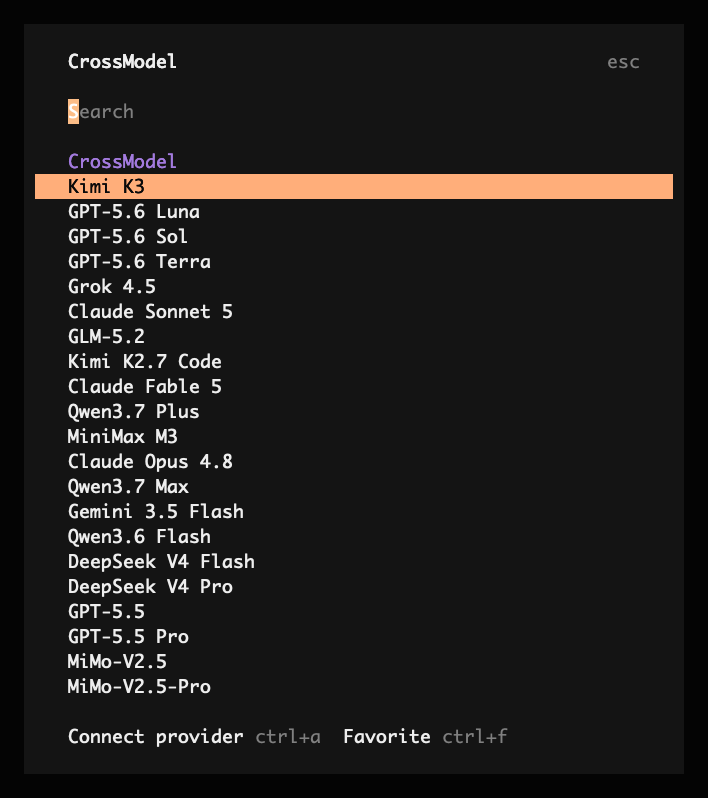
You can now start working. Use /models at any time to switch to another CrossModel model.
Use an environment variable
On servers, in containers, or in CI, you can provide the API key through an environment variable:
export CROSSMODEL_API_KEY="cm-YOUR_KEY"
opencode
Do not commit a real API key to your repository.
Troubleshooting
| Symptom | What to check |
|---|---|
CrossModel is missing from /connect | Update OpenCode, then restart it. |
| The model list is out of date | Run opencode models crossmodel --refresh to refresh the models.dev cache. |
| The API key is rejected | Confirm that it starts with cm- and contains no extra spaces. |
| Check whether the credential was saved | Run opencode auth list. |
| Insufficient balance | Top up in the Console. |